

Create listings in minutes with AI
Turn brochures, offering memorandums, and photos into structured, market-ready CRE listings.
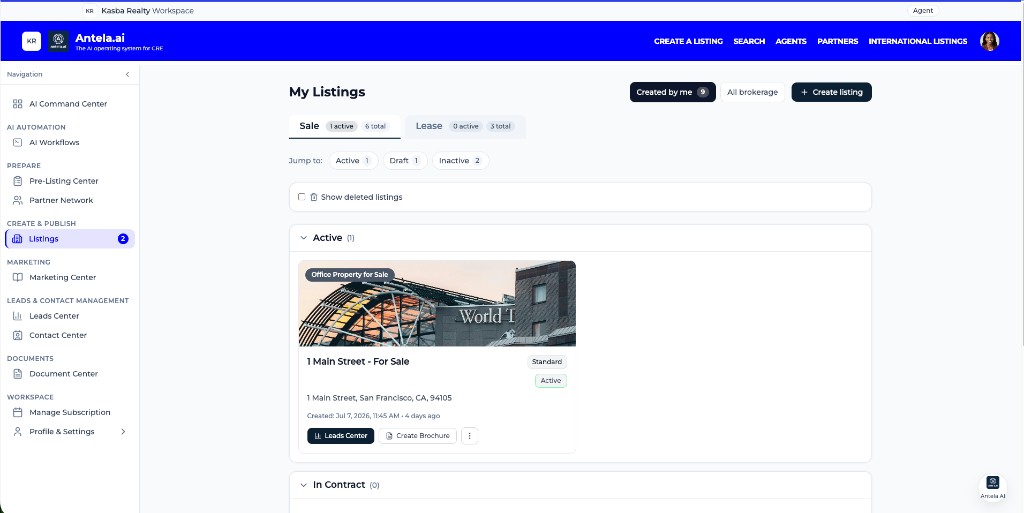
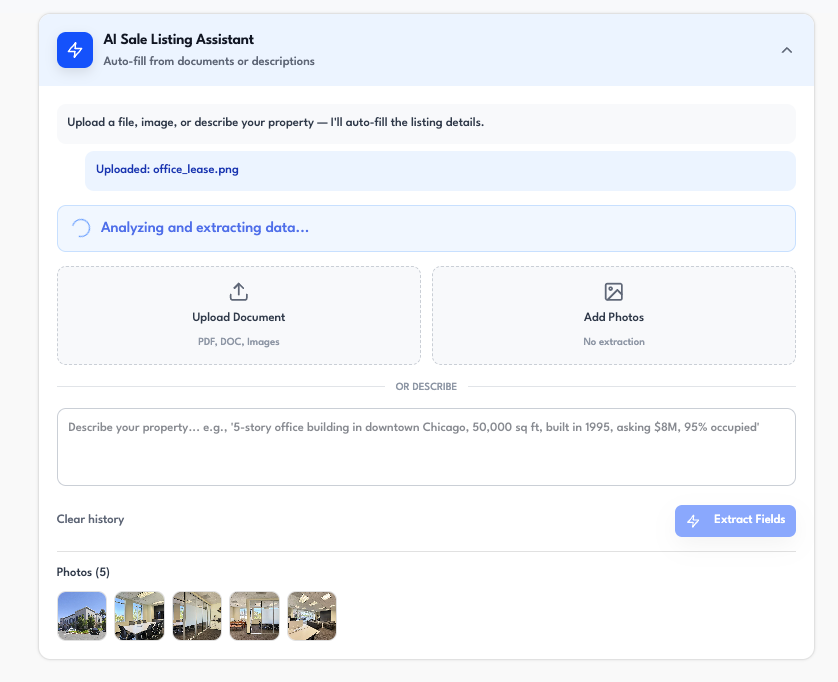
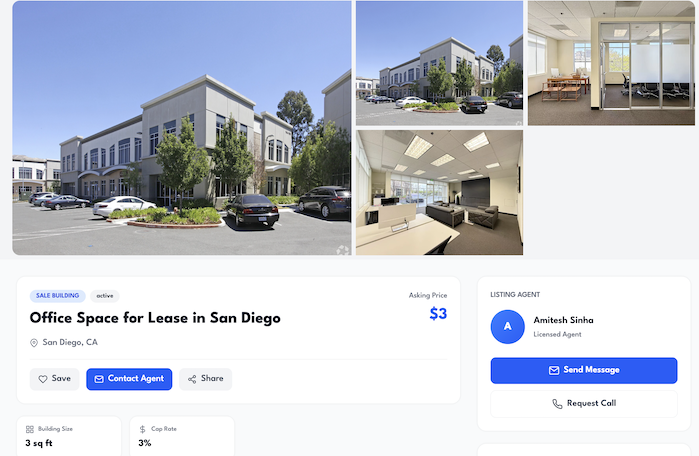
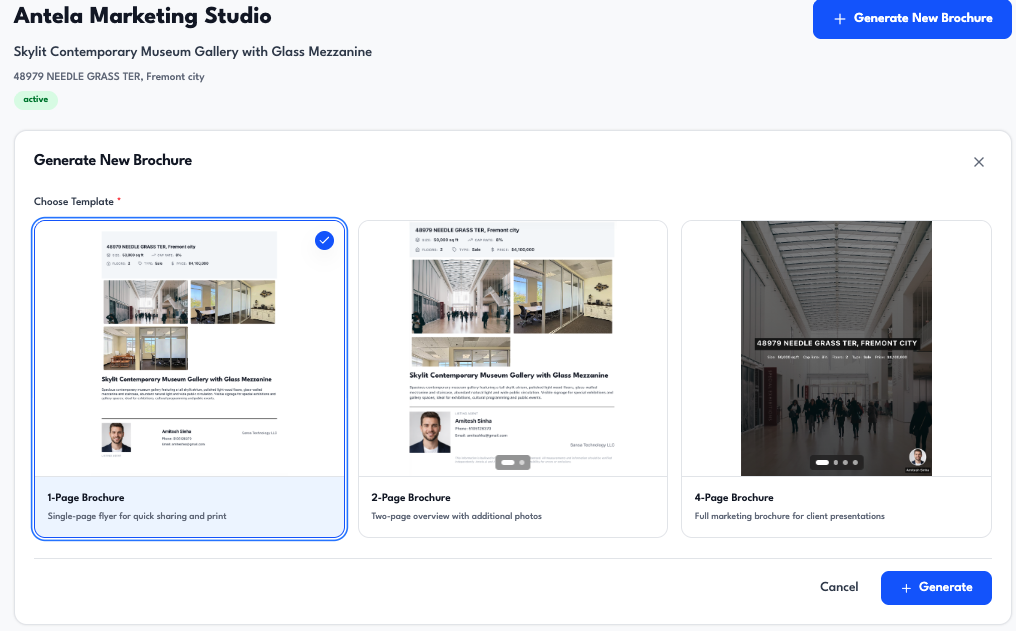
Use the Listing Center to create For Sale or For Lease listings through a simple, AI-guided flow. Choose your listing type, upload your materials, and the AI extracts property details so you can review once and save as a draft—or start from a blank form and fill in manually.
How it works
- Choose listing type — Start by selecting For Sale or For Lease. The AI uses the right extraction model for your choice (e.g. building sale, office condo lease).
- Upload documents or skip — Upload up to 5 files (PDFs, brochures, offering memorandums, floor plans, or images). The AI reads them and pulls out address, square footage, price or rent, NOI, cap rate, zoning, amenities, and other key fields. You can also continue without files and get a blank draft to fill in yourself.
- Review and save — Review the extracted (or blank) details in the full form, edit anything you need, then confirm. Your listing is saved as a Draft and can be attached to your workflows and published when you're ready.
Listing Center is part of Antela's workflow coverage across the deal lifecycle—from creating listings to managing leads and closing deals.
Ready to get started? Explore plans or talk to our team.